The 'Break-Up' Email: How to Win Back Users Who Stopped Logging In
Written by
PipeCrush Team
Published
Jan 13, 2026
Reading time
11 min read
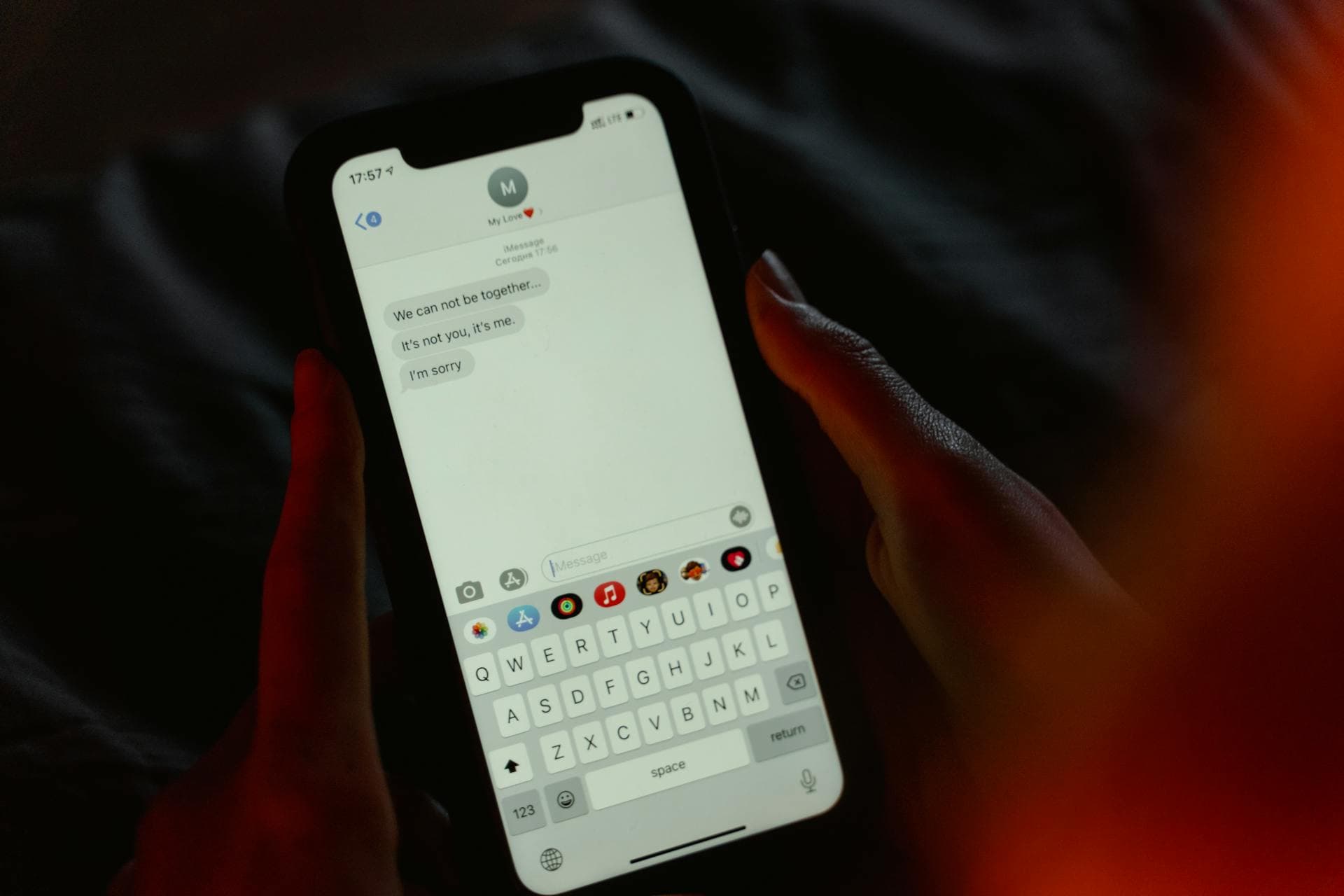
The 'Break-Up' Email: How to Win Back Users Who Stopped Logging In
They signed up with enthusiasm. They logged in a few times. Then... nothing.
No activity for 14 days. 30 days. 60 days. They're technically still a user, but they've ghosted you.
Most companies do one of two things:
- Send generic "We miss you!" emails that get ignored
- Do nothing and watch the account rot
Both are leaving money on the table.
Inactive users aren't dead leads—they're stalled relationships. And like any relationship, sometimes you need a "break-up" email: a final, honest attempt to re-engage before you let them go.
The break-up email works because it's honest, direct, and gives users a clear choice: come back or opt out. This approach is part of the retention tactics we cover in our nurture and retention guide, and it's one of the highest-converting re-engagement strategies for SaaS products.
The Problem: Inactive Users Are Revenue Black Holes
Here's what an inactive user costs you:
1. Wasted Acquisition Cost
You spent money (ads, content, sales effort) to get them to sign up. If they don't use the product, that's pure loss.
2. Cluttered Database
Your email list, CRM, and analytics are full of dead accounts. This skews your engagement metrics and makes it harder to see real patterns.
3. Opportunity Cost
Time spent wondering "Why did they stop?" could be spent on active, engaged users who actually convert.
4. Negative Brand Perception
If someone signs up, forgets about you, and then sees a random email months later, they don't remember you fondly—they remember confusion and friction.
Inactive users aren't neutral. They're a drag on your business.
Why Standard Re-Engagement Emails Fail
Most re-engagement emails sound like this:
"We noticed you haven't been around! Here's what's new..."
Or:
"Your account is about to be deactivated. Log in to keep it active."
These fail for three reasons:
1. They Don't Acknowledge the Problem
Users stopped logging in for a reason. Maybe your onboarding was confusing. Maybe the product didn't solve their problem. Maybe they got busy. Generic emails ignore this reality.
2. They're Not Honest
"We miss you!" feels manipulative when you both know it's automated. Users don't believe you actually miss them—they know it's a retention tactic.
3. They Don't Give a Clear Choice
What are you asking them to do? Log in? Try a feature? Read a blog post? If the next step isn't obvious, they won't take it.
The Break-Up Email Framework
A break-up email is different. It's honest, direct, and gives users permission to leave (which paradoxically makes some of them stay).
Here's the structure:
1. Acknowledge the Situation
Start by stating the obvious: They haven't been active.
"You signed up for [Product] 30 days ago. You logged in twice. Then you stopped."
No fluff. No "We noticed you've been away"—just the facts.
2. Ask Why (And Actually Want to Know)
Most companies don't ask. They assume. But users will tell you if you ask directly.
"What happened? Did we miss the mark? Was onboarding confusing? Did you find another solution?"
Include a reply-to address or a one-question survey link. Some people will tell you. Their feedback is gold.
3. Make an Offer (If It Makes Sense)
If there's a specific barrier you can remove, offer it.
Examples:
- "If time was the issue, we just launched a 5-minute quick-start guide."
- "If pricing was the problem, here's a 50% discount for the next 3 months."
- "If a feature was missing, we just shipped [Feature]. Want to try it?"
Don't invent problems. Only offer solutions to real blockers.
4. Give Them Permission to Leave
This is the "break-up" part. Make it okay to opt out.
"If this isn't for you, that's totally fine. Click here to unsubscribe, and we'll stop emailing you."
Paradoxically, giving people permission to leave makes some of them reconsider. It feels less like a sales trap and more like respect.
5. Set a Deadline
Urgency works, but only if it's real.
"If I don't hear from you in the next 7 days, I'll assume this isn't a fit and remove you from our list."
This creates closure. They either re-engage or you both move on.
Real Break-Up Email Examples
Example 1: Simple and Direct
Subject: "Should I remove your account?"
Body:
Hi [Name],
You signed up for PipeCrush 45 days ago. You logged in once. Then nothing.
I'm guessing one of three things happened:
- You're busy and forgot about us (fair)
- We didn't solve your problem (also fair)
- Something blocked you from using it (let me fix that)
Which one is it? Reply and tell me—I actually want to know.
If I don't hear back in 7 days, I'll clean up your account and stop emailing you. No hard feelings.
[Your Name]
Why this works: It's personal, honest, and gives them a way to respond.
Example 2: Feature-Focused
Subject: "You didn't finish setup—here's why that matters"
Body:
Hi [Name],
You started setting up your CRM pipeline, but you didn't finish. That means you're not getting value from PipeCrush yet.
The #1 reason people stop using us: They skip onboarding and never hit the "aha moment."
I don't want that to happen to you. So here's what I'm offering:
- A 10-minute walkthrough (live or recorded—your choice)
- A pre-built pipeline template you can clone
- Direct access to me if you get stuck
Want help? Reply "YES" and I'll set it up.
Not interested? Click here to unsubscribe and I'll stop bothering you.
[Your Name]
Why this works: Identifies a specific problem (incomplete setup) and offers a specific solution.
Example 3: Last Chance with Incentive
Subject: "One last thing before we part ways"
Body:
Hi [Name],
You haven't logged into PipeCrush in 60 days. I'm guessing we're not the right fit.
Before I close your account, I want to make sure it's not just a timing issue.
If you're open to giving us one more shot, I'll give you 3 months at 50% off. No long-term commitment—just enough time to see if we can actually help.
Interested? Click here: [Link to discount]
Not interested? I'll remove your account in 7 days. No spam. No guilt trips.
Thanks for trying us out,
[Your Name]
Why this works: Offers value (discount) without being pushy. Clear deadline creates urgency.
How PipeCrush Automates Re-Engagement
Manually sending break-up emails to every inactive user doesn't scale. That's where automation comes in.
PipeCrush's AI sequences and email marketing platform make this automatic:
- Behavioral Triggers: Automatically tag users who haven't logged in for 14/30/60 days
- Segmented Sequences: Send different break-up emails based on how far they got (e.g., signed up but never onboarded vs. used the product then stopped)
- Response Tracking: If they reply, auto-tag them as "re-engaged" and move them to a nurture sequence
- Auto-Cleanup: If they don't respond by the deadline, automatically unsubscribe them or move them to a "dead leads" list
You can also integrate with your customer management system so your sales or support team can follow up personally with high-value accounts that went dark.
When to Send Break-Up Emails
Timing matters. Too soon, and you seem desperate. Too late, and they've forgotten you.
Here's a proven timeline:
Day 7: First Nudge (Not a Break-Up Yet)
"You signed up but haven't logged in. Need help getting started?"
Day 14: Check-In
"Still here? Let us know what's blocking you."
Day 30: Break-Up Email
"We haven't heard from you in a month. Should we part ways?"
Day 60: Final Cleanup
"Last chance to stay on our list. Otherwise, we're removing your account."
After 60 days of no activity, move on. Don't keep emailing people who clearly don't want to hear from you.
Common Mistakes to Avoid
Break-up emails can backfire if done wrong. Here's what NOT to do:
Mistake 1: Fake Urgency
Don't say "Your account will be deleted in 24 hours" if it won't. Users see through it, and it damages trust.
Mistake 2: Making It About You
"We're sad to see you go" is self-centered. Make it about them: "It doesn't seem like we're solving your problem."
Mistake 3: Not Actually Letting Them Go
If someone doesn't respond to your break-up email, stop emailing them. Don't send another "last chance" email next week. Move on.
Mistake 4: No Clear CTA
Every break-up email needs one clear action: "Reply to this," "Click here to reactivate," or "Unsubscribe here." Don't make them guess.
Mistake 5: Sending Too Many
One break-up email per inactive user. Maybe two if they're a high-value account. Any more, and you're being annoying.
What to Do with Responses
Some users will respond to your break-up email. Here's how to handle it:
Response 1: "I forgot about you, let me try again"
Your Move: Send them a quick-start guide and a personal check-in in 48 hours.
Response 2: "I was busy, I'll log in soon"
Your Move: Tag them as "re-engaged," add them to a light-touch nurture sequence, and check back in 7 days.
Response 3: "Your product didn't solve my problem"
Your Move: Thank them for the feedback, ask what problem they were trying to solve, and use that intel to improve your product or marketing.
Response 4: "I found a competitor that works better"
Your Move: Ask which one and why. Competitive intel is valuable. Don't try to win them back—they've already decided.
Response 5: "Please stop emailing me"
Your Move: Unsubscribe them immediately and apologize for the annoyance.
Measuring Success
How do you know if your break-up emails are working?
Track these metrics:
- Re-engagement Rate: % of inactive users who log back in after receiving the email
- Response Rate: % of users who reply (even if they don't re-engage)
- Unsubscribe Rate: % of users who explicitly opt out (this is actually good—it cleans your list)
- Win-Back Conversion: % of re-engaged users who eventually become paying customers
A good re-engagement campaign typically sees:
- 5-15% re-engagement rate
- 2-5% response rate
- 10-20% unsubscribe rate
If your unsubscribe rate is below 10%, you're probably not being direct enough. If it's above 30%, you might be too aggressive.
Your Next Step
If you have users who signed up but stopped logging in, don't ignore them.
- Segment inactive users (14 days, 30 days, 60 days with no activity)
- Write one honest break-up email using the framework above
- Send it to your 30-day inactive segment
- Track responses (re-engaged, replied, unsubscribed)
- Refine and scale based on what worked
You won't win everyone back. That's the point. The goal is to separate users who might return from users who are truly done—so you can focus your energy on people who actually want what you're building.
Break-up emails aren't about desperation. They're about respect. Respect for your time, respect for their inbox, and respect for the truth: not every signup is meant to be a customer.
Frequently Asked Questions
What is a break-up email in email marketing?
A break-up email is a final re-engagement message sent to inactive users before removing them from your list. It acknowledges they've stopped engaging, asks why, offers help, and gives them permission to opt out. The goal is to either re-activate them or get closure so you can clean your list.
When should I send a break-up email?
Send a break-up email after 30-60 days of complete inactivity (no logins, no email opens, no engagement). Any sooner, and you risk seeming desperate. Any later, and they've forgotten who you are. Give users a 7-day window to respond before removing them.
How do I write a re-engagement email that actually works?
Be honest and direct. Acknowledge they stopped using your product, ask why (and actually want to know), offer a specific solution if there's a clear barrier, and give them permission to opt out. Avoid generic "We miss you!" messaging—users see through it.
Should I offer a discount to win back inactive users?
Only if pricing was likely the barrier. For free trials that expired, a discount can work. For users who never completed onboarding or didn't understand the product, a discount won't help. Focus on solving the actual problem first. Don't train users to go inactive just to get discounts.
Does PipeCrush automate re-engagement campaigns?
Yes, PipeCrush's AI sequences and email marketing platform can automatically send break-up emails based on inactivity triggers (e.g., no login for 30 days). You can segment by user behavior, personalize messaging, track responses, and automatically clean your list if users don't re-engage—all managed through your customer management system.
Get the Complete Guide
Download this resource as a beautifully formatted PDF for offline reading, sharing with your team, or future reference.
Never miss an update
Get technical insights on revenue operations, cold email infrastructure, and AI-powered support delivered to your inbox.
No spam, ever. Unsubscribe anytime.